
First Launch
Learn how to open QuotaMew for the first time on macOS.
QuotaMew v0.2.0 · Stable. Apple Development signed; not Developer ID signed; codesign verified; not notarized; no stapled ticket.
Because of this, macOS may block QuotaMew the first time you open it.
Only continue if you trust the download source
Only download QuotaMew from the official QuotaMew website or GitHub repository.
Do not disable macOS security features globally.
Open QuotaMew for the first time
Try to open QuotaMew
Open Applications and launch QuotaMew.
macOS may display a warning and prevent the app from opening.
Open Privacy & Security
Open System Settings and select Privacy & Security.
Find the QuotaMew security message
Scroll to the Security section.
You should see a message indicating that QuotaMew was blocked from use.
Select Open Anyway
Select Open Anyway next to the QuotaMew message.
macOS may ask you to authenticate with Touch ID or your password.
Confirm Open
Confirm that you want to open QuotaMew.
After approval, macOS should allow the installed copy of QuotaMew to launch.
What happens next?
QuotaMew runs as a macOS menu bar app.
After opening it successfully, look for the QuotaMew icon in your menu bar.
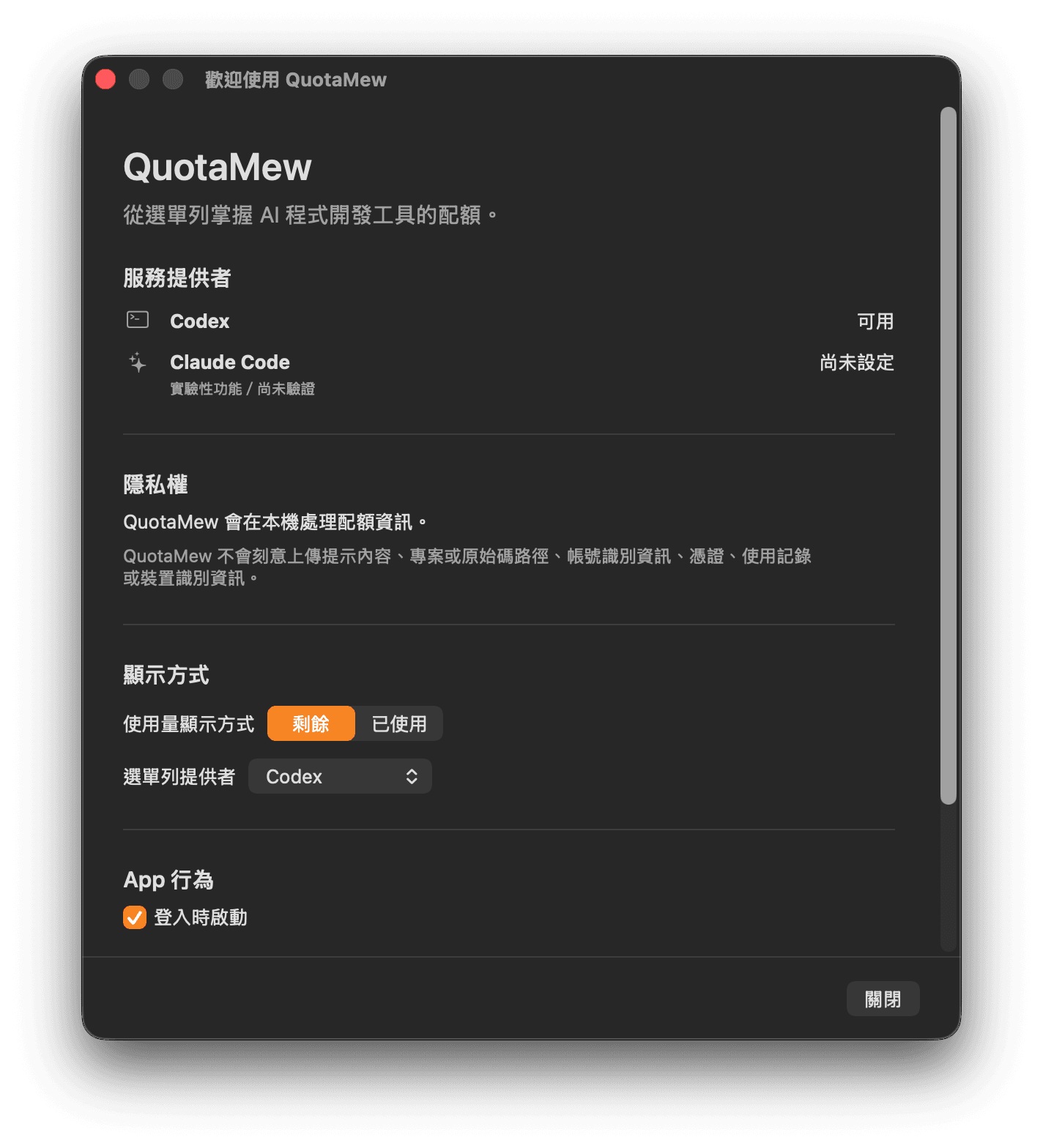
On first launch, the native onboarding explains provider status, privacy, quota presentation, menu bar provider choice, and Launch at Login. It does not create an account or install a provider.
Related guides
Apple explains individual app approval in Safely open apps on your Mac.